
Guest reception
Guest Reception in the Halls of Residence of Széchenyi István University
Students living in the Halls of Residence can host guests in two ways through the following website: dormitory.sze.hu
The following Halls of Residences are included:
-
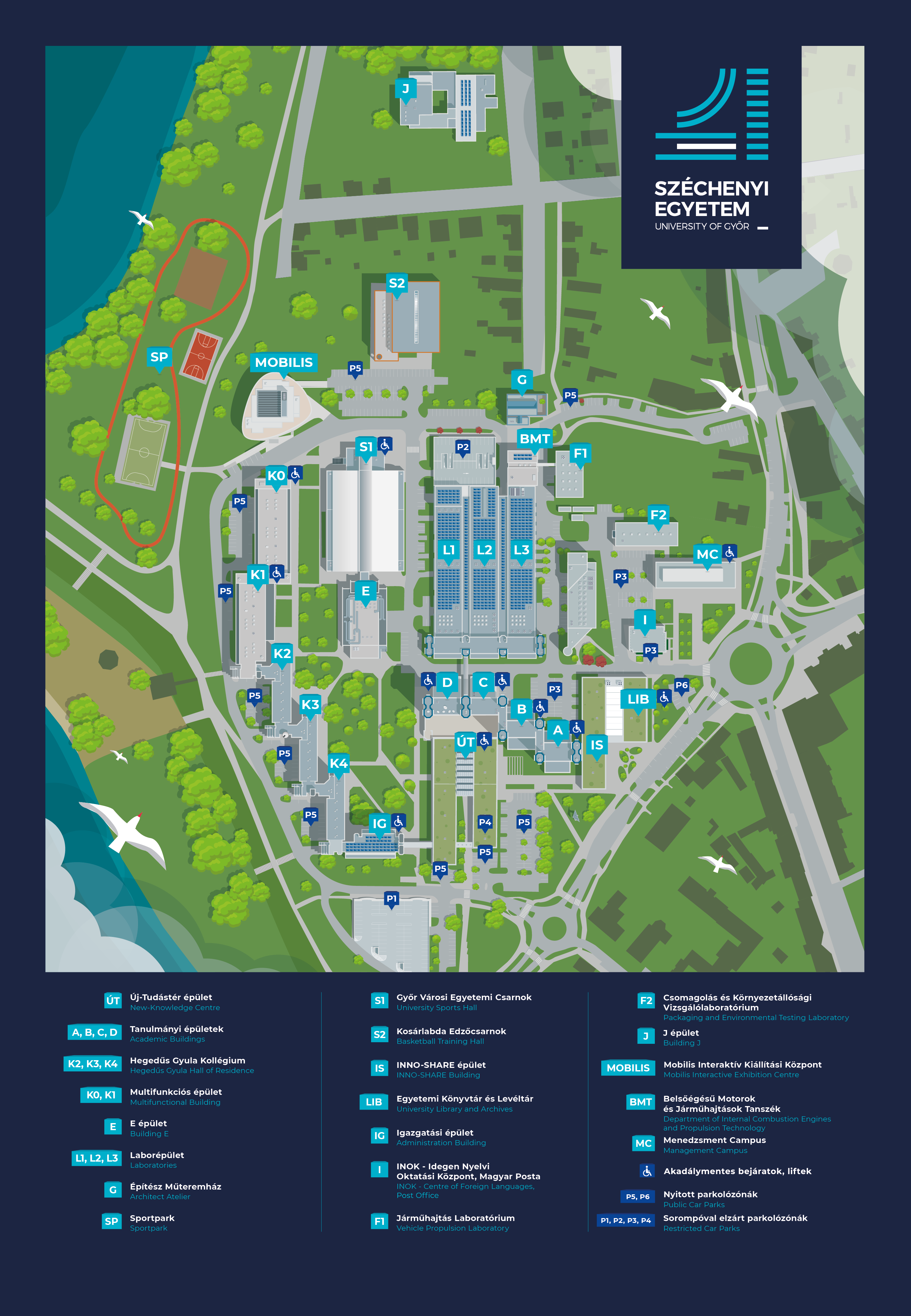
Hegedűs Gyula Hall of Residence
-
Multifunctional Building
-
Off-Campus Hall of Residence (Mészáros Lőrinc Street)
-
Cuha Street Hall of Residence
-
Cserháti Sándor Hall of Residence (Mosonmagyaróvár)
Daytime Guest Reception
A resident can add a person who has a University Card (Student, Staff, Alumni or Guest Card) to their guest list through the guest reception menu.
Each resident can have a maximum of 2 people on their guest list at the same time.
These guests can use their own cards to enter and move around the dormitory between 06:00 and 22:29.
This option does not allow guests to stay overnight. Cards belonging to guests who remain in the dormitory after 22:30 will be automatically deactivated.
A deactivated card cannot be used for access. The reactivation fee is HUF 3,000, which can be paid at the K2 reception desk on weekdays between 13:00 and 20:00. Card reactivation is also carried out at the K2 reception desk.
Due to the card deactivation procedure, guests at the Cserháti Sándor Dormitory in Mosonmagyaróvár should contact the Accommodation Office in Mosonmagyaróvár during its weekday opening hours.
A fingerprint registration is required to use a guest card, but only after the resident has added them as a guest.
Overnight Guest Reception
Guests who have a valid card and registered fingerprint can be hosted overnight.
Guests can enter the dormitory using their card for the number of nights that have been paid for.
Payment for an overnight stay must be completed by 21:30 on the day of the requested stay at the latest.
After payment, the token must be activated by clicking the “Request a new guest” button. Here, the resident can enter the guest's card number and select the requested night.
The guest's card will automatically become active:
-
From 08:00 on the requested day, or
-
From the time the request is submitted and approved until 08:00 the following day, if the request is submitted on the same day.
If the requested overnight stay has not been activated by 22:00, the guest must leave the dormitory by 22:29.
Overnight Guest Tokens
Tokens are required when requesting an overnight guest stay.
The token can be purchased through the Neptun system. Each token costs HUF 2,000 and allows one guest to stay overnight for one night.
The student must create the payment item themselves. It is available in Neptun under the name “Dormitory Guest Reception” or „Kollégiumi vendégfogadás”.
The student must pay the item in the Neptun system. After payment, the token will appear on the dormitory.sze.hu website approximately 30 minutes later. Please take this into account when making the payment.
Roommate Approval
Please note that the overnight guest token becomes active only after the roommate has approved the guest request.
If continuous guest approval is enabled (the slider is switched on), separate approval is not required.
If this function is not enabled, the roommate can approve the request under the “Guest Reception” tab.
Once the request has been finalized and approved by the roommate, it cannot be cancelled.
If the roommate does not approve the guest request, the request becomes invalid, and the token becomes available for reuse.
Steps for Requesting an Overnight Guest Stay
1. Create the payment item in the Neptun system.
2. Pay the item created in Neptun.
3. The token will appear on the dormitory.sze.hu website after payment.
4. On the dormitory.sze.hu website, click the “Request a new guest” button to activate the token. The resident can then select the night and the guest they wish to host.
5. The roommate must approve the guest request.